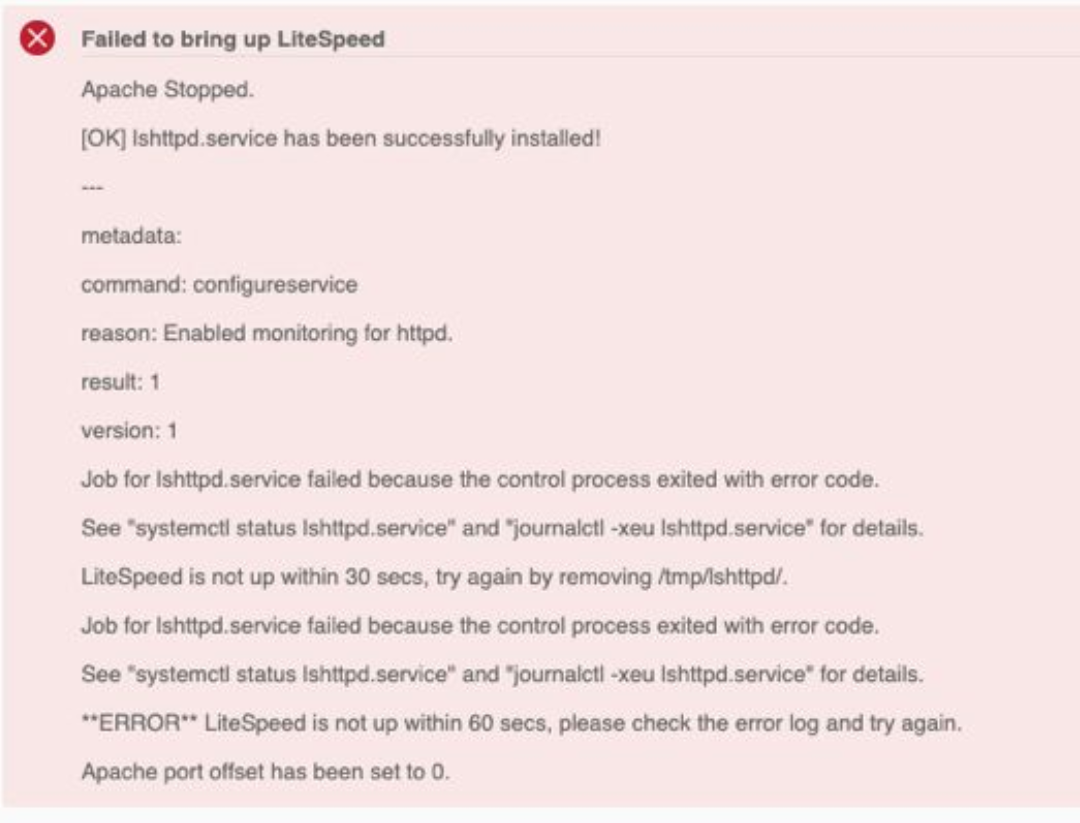
LiteSpeed libssl.so.1.1 Error
Issue:
On Ubuntu 22.04 or 24.04, LiteSpeed fails to start with:
/usr/local/lsws/bin/.lshttpd: error while loading shared libraries: libssl.so.1.1: cannot open shared object file: No such file or directory
This happens because the binary was built against OpenSSL 1.1, but these Ubuntu versions only ship OpenSSL 3.
Quick Fix (100% Working)
#Add focal-security repo
echo "deb http://security.ubuntu.com/ubuntu focal-security main" | sudo tee /etc/apt/sources.list.d/focal-security.listsudo apt update#Install OpenSSL 1.1 compatibility package
sudo apt install -y -t focal-security libssl1.1#Clean up & restart LiteSpeed
sudo rm -rf /tmp/lshttpd/sudo systemctl restart lshttpdsudo systemctl status lshttpd --no-pager -l✅ LiteSpeed will now start successfully!
❌ Error removed: libssl.so.1.1 missing